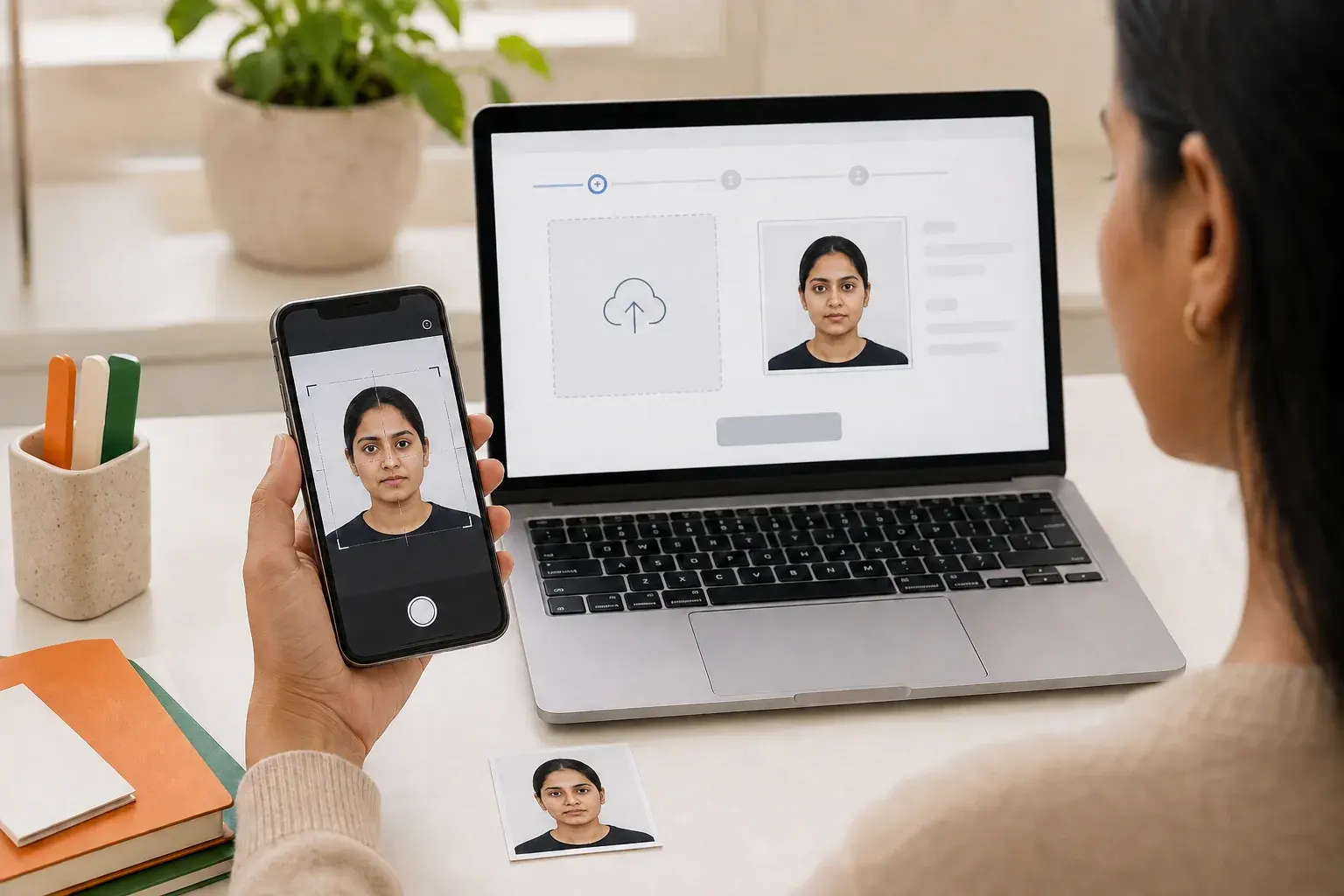
TL;DR
For the Government of India e-Visa portal, prepare a square JPEG between 10 KB and 1 MB. The photograph should show your full face from the front, with open eyes and no spectacles, a centered full head, a plain white or light-colored background, no shadows, and no border. Regular online visas and Passport Seva use different instructions, so confirm your application channel before preparing the file.
Quick answer: use the India e-Visa rules for the e-Visa portal
An India e-Visa photo is the digital self photograph uploaded through the Government of India e-Visa application. Use a square JPEG of 10 KB–1 MB, showing a centered full head, open eyes, no spectacles, a plain light or white background, no shadows and no border. The live government instructions and your application screen remain the final authority.
Three similar terms, three different workflows
India e-Visa photo is the online self photograph for an eligible foreign national using e-Visa. Regular online India Visa photo belongs to the separate visa application used from outside India through an Indian Mission or Post. Passport Seva photo concerns an Indian citizen's passport application.
Identify the form and portal first, then apply only that channel's rules.
India e-Visa photo requirements at a glance
Check both the file and the visible portrait against the official checklist. Correct dimensions do not establish visual compliance.
Official e-Visa upload checklist
Save the photograph as JPEG. Confirm that the file is at least 10 KB and no more than 1 MB. Check the image properties and verify that the width and height are equal, which makes the image square.
Look directly at the camera with both eyes open and remove spectacles. Keep the head centered and show the full head from the top of the hair to the bottom of the chin. Use a plain white or light-colored background. Inspect the face and background for shadows, and make sure no decorative or printed border surrounds the image.
Keep the portrait separate from the scanned passport bio page or other supporting files. The e-Visa photo field asks for a self photograph; other upload fields can have their own format and size instructions.
What the official e-Visa page does not specify
The cited e-Visa photo guidance does not publish one universal pixel range in the same list that states the JPEG, 10 KB-1 MB, square-image, face, and background rules. Commercial guides often repeat fixed pixel values, but those values should not be presented as a Government of India requirement without a matching official instruction.
A square image simply has equal pixel width and height. Do not turn that into an unsupported claim that every applicant must upload exactly 350 x 350 pixels or another fixed resolution. If the live portal displays an additional technical instruction during your application, follow that current instruction.
Do not mix up e-Visa, regular visa, and passport photo rules
Searches for India visa photo size can mix e-Visa, regular visa and Passport Seva. Identify the portal and application route before resizing: their file limits and printed-photo instructions are not interchangeable. A rule from another route should not override the instructions beside your upload field.
e-Visa: the online upload route
For an eligible e-Visa applicant, the published range is 10 KB to 1 MB. The image must be JPEG and square and meet the e-Visa portrait conditions. Check the actual file properties and visible portrait rather than starting from a physical print size.
Regular online India Visa: why 300 KB appears
The Government of India's regular Online India Visa instructions describe a different digital upload: JPEG, 10 KB minimum, 300 KB maximum, and equal height and width. They also require a full face and front view, open eyes, a centered full head, a plain light-colored or white background, no shadows, and no border.
The 300 KB maximum is therefore an official value for that regular visa instruction flow, not proof that the e-Visa page's 1 MB maximum is wrong. Match the file to the route you selected. If you apply through an Indian Mission or Post, also review any mission-specific steps shown in that process.
Passport Seva: a separate Indian passport workflow
Passport Seva concerns Indian passport applications, not a foreign visitor's India e-Visa. Its official instruction booklet says a photograph is not required for applications submitted at a Passport Seva Kendra or Post Office Passport Seva Kendra. For specified other collection centers, the booklet describes one recent color print measuring 4.5 cm long by 3.5 cm wide, along with its own background, dress, expression, and print-quality rules.
That physical-photo rule explains why 35 x 45 mm appears in India passport searches. It should not be copied into an e-Visa upload guide as though it were a square digital-file requirement.
Indian visa photo requirements: 1 MB or 300 KB?
Indian visa application photo requirements depend on the upload field as well as the application route. In the e-Visa portal, the self photograph is a square JPEG of 10 KB–1 MB. The same portal separately lists a passport bio-page PDF of 10 KB–300 KB. A 300 KB limit can therefore refer to a supporting document, not your portrait. The regular online visa photo instructions also use a 300 KB maximum for their separate JPEG workflow.
Before following Indian visa photo size or photo guidelines from a search result, read the label of the field you are uploading to. Do not compress a passport scan into the portrait field or rename a PDF as a JPEG. Record the exact error and check format, size and shape in that order.
How to take an e-Visa-ready photo at home
With controlled lighting, camera position, and background, a home photograph can provide a clean source. Keep enough space for a square crop without cutting off the head, and retain the original for a new export if needed.
Software can help with crop, format, and file size, but it should not reshape facial features. Review the final file at full size.
Set up a plain, evenly lit background
Use a plain white or light-colored wall or backdrop. Move away from the wall so that the head does not cast a dark shadow behind it. Face a broad, soft light source and avoid strong side light, direct flash, or a single overhead lamp that creates uneven shadows.
Remove visible objects, wall edges, patterns, and color patches from the frame. Check the background around the hair and shoulders as well as the center. A background can look light overall while still containing a shadow that conflicts with the published rule.
Frame the face, eyes, and full head correctly
Place the camera approximately at eye level and look straight into the lens. Keep both eyes open and remove spectacles for the e-Visa photograph. Center the head, leave the complete hair-to-chin area visible, and avoid a crop that cuts into the hair or chin.
Ask another person to take the picture or use a stable phone support and timer. A stable rear camera can produce a clearer source than a handheld selfie. Keep a natural appearance and avoid beauty filters, face reshaping, or edits that change identifying features.
Export a genuine square JPEG
Crop the source into a square while preserving the full head and a balanced light background. Export the result as JPEG, then inspect the saved file rather than assuming the editor used that format. Some phones save HEIC by default, and changing only the filename does not convert the underlying image.
If the JPEG is larger than 1 MB, create a new export with modest compression while preserving clear facial detail. If it is below 10 KB, return to the original and export at better quality instead of repeatedly recompressing a degraded copy.
Before you upload: check the file and the portrait separately
Treat upload compatibility and visible photo quality as separate checks. Save a clearly named final portrait apart from the passport bio-page document.
Immediately before upload, compare the file with the live Government of India e-Visa instructions. Requirements can change, so the active application screen takes priority.
Technical file check
Confirm the file is a readable JPEG, not PNG, HEIC, PDF, or a screenshot placed inside another document. Confirm that its size is between 10 KB and 1 MB for the e-Visa route. Open the dimensions and verify that width equals height exactly.
A filename ending in .jpg is not enough if the file was merely renamed from another format. Open the image after export to verify that it is not corrupt and that compression has not made the face blocky or unclear.
Visual portrait check
View the photograph at full size. Confirm a front view, open eyes, no spectacles, a centered full head, and a plain light or white background. Look closely for shadows on the face or wall and for any frame or border introduced during editing.
Retake the source when the problem is pose, focus, lighting, or background. Recompressing a poor portrait can reduce file size, but it cannot correct closed eyes, spectacles, a turned head, or a visible shadow.
Keep the self photograph separate from other uploads
The portrait photograph and passport bio-page file serve different purposes. Use clear filenames, such as evisa-photo.jpg for the portrait, and follow the separate portal instructions for the passport page or supporting document.
Do not upload a scan of the photograph printed inside your passport as the self photograph. The safer interpretation of the separate upload fields is to prepare a clear current portrait for the photo field and reserve the passport scan for the passport-document field.
India e-Visa photo upload failed: what to check first
An immediate upload error usually calls for a technical file check before a new photograph is taken. A concern about how the accepted upload looks calls for a visual-rule check. Record the exact message shown by the portal and avoid guessing that every failure has the same cause.
If the live e-Visa page shows a requirement different from a saved article or old screenshot, follow the live government instruction. Do not send personal documents to an unofficial support account while seeking help.
File-level upload failure
Recheck format, file size, and shape. The e-Visa photograph should be JPEG, 10 KB to 1 MB, and exactly square. Export a fresh JPEG from the original if the file is HEIC, PNG, corrupt, or incorrectly renamed.
Open the new file locally before trying again. If the portal gives a specific validation message, use that message to choose the next correction instead of repeatedly compressing or resizing without a diagnosis.
Visual compliance concern
If the file is accepted but the portrait does not clearly meet the published conditions, inspect spectacles, eye visibility, head position, crop, background, shadows, and border. Retake the image when one of these elements is wrong.
Technical acceptance of an upload is not a decision on the visa or a guarantee that the photograph will pass every later review. The receiving Government of India process retains final authority over the application.
When to return to the official portal
Return to the e-Visa portal when you are unsure which visa route you selected, when the displayed file limit differs from a general guide, or when an error persists after the JPEG, size, and square dimensions have been verified. If you are using the regular visa system, switch to that system's 300 KB maximum and its current instructions rather than continuing with the e-Visa rule set.
Prepare the photo file with IDPIC
IDPIC is an independent photo service, not a government or visa authority. It does not submit applications or guarantee photo acceptance, visa issuance or entry. Use the India visa format page for preparation, then inspect the exported JPEG against your actual portal’s rules. The related size, background and home-capture guides provide additional preparation advice.
Key data at a glance
| Application route | Official photo format | Key distinction |
|---|---|---|
| India e-Visa | Square JPEG, 10 KB-1 MB | Digital self photograph for the e-Visa portal |
| Regular online India Visa | Square JPEG, 10 KB-300 KB | Different online visa instruction flow |
| Passport Seva | No photo at PSK/POPSK; specified other centers use a 4.5 x 3.5 cm color print | Indian passport workflow, not a foreign visitor e-Visa upload |
Frequently asked questions
What format and file size does an India e-Visa photo need?
Use a JPEG between 10 KB and 1 MB. The Government of India e-Visa page also requires equal width and height plus its published face, background, shadow, and border conditions. Check the live portal before uploading.
Does an India e-Visa photo have to be square?
Yes. The official e-Visa guidance says the height and width must be equal. It does not, in the cited rule list, make one commercial pixel range a universal requirement, so do not invent a fixed pixel size when the live portal does not state one.
Can I wear spectacles in an India e-Visa photo?
No. The official e-Visa requirements say the eyes should be open and the photograph should be taken without spectacles. This answer applies to the e-Visa route; check separate instructions if you are using another application channel.
Why did my India e-Visa photo upload fail?
First verify that the file is a genuine JPEG, 10 KB-1 MB, and exactly square. Then read the portal's specific error. If the upload succeeds but the portrait is questionable, separately check spectacles, eye visibility, head crop, background, shadows, and border.
Is a 35 x 45 mm photo the India e-Visa requirement?
No. Passport Seva's 4.5 x 3.5 cm physical-photo instruction applies only to specified Indian passport collection-center workflows, while the e-Visa uses a square digital JPEG upload. Do not transfer the print measurement to the e-Visa field.
Why do some official India visa instructions show 300 KB instead of 1 MB?
They describe different application routes. The e-Visa page states 10 KB-1 MB, while the regular Online India Visa instructions state 10 KB-300 KB. Use the value for the portal and route you are actually completing.
Example scenario
One traveler sees both 1 MB and 300 KB
A traveler preparing an e-Visa notices a commercial guide mentioning 300 KB. Instead of compressing immediately, they confirm that the Government of India e-Visa page allows a square JPEG from 10 KB to 1 MB. They keep the original portrait, export an e-Visa file, and reserve the 300 KB rule for the separate regular online visa route.
Sources & References
Public change history
Published an official-source guide to India e-Visa photo format, file size, composition, and upload checks.
Separated e-Visa, regular online visa, and Passport Seva rules to prevent cross-channel specification errors.
Clarified portrait JPEG versus passport bio-page PDF limits using the live e-Visa instructions.