TL;DR
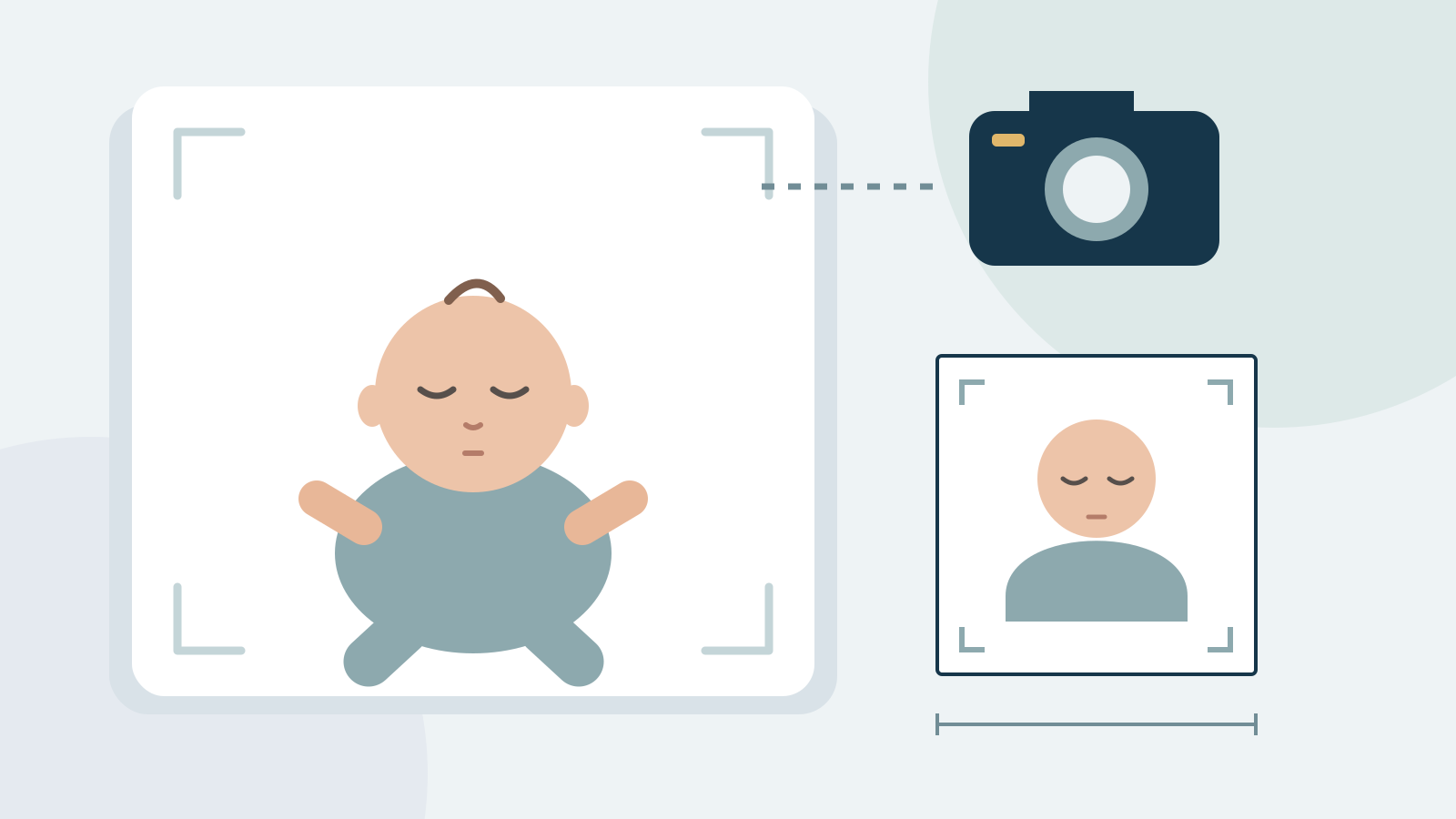
For a U.S. baby passport photo, use a recent, clear color photograph of the baby alone against a plain white or off-white background. Prepare the required 2 × 2 inch print. U.S. guidance allows an infant’s eyes, especially a newborn’s, to be closed or not fully open; other children should have open eyes and look straight ahead. Keep hands, toys and supports out of the frame. The passport authority, not an automated photo score, decides acceptance.
U.S. baby passport photo requirements: start with the application
Use the photo instructions for the passport being requested, rather than the country where you happen to take the picture. A baby applying for a U.S. passport needs their own photograph. A family photo, a crop of a parent holding the child, or the portrait printed inside another document is not an appropriate starting point.
For the U.S. print workflow, prepare a 2 × 2 inch color photo on suitable photo paper and check the current official framing and print instructions. Use a recent photograph that reflects the child’s current appearance. Do not substitute a digital-only renewal workflow intended for adults for the child’s application. The photo is only one part of the passport application; check the separate rules for the child’s attendance, parental consent and documents.
The State Department requires one color photo taken in the last six months and a neutral expression with the full face visible. Its current guidance says to submit the original, unchanged photo and not change it with software, phone apps, filters or AI. Do not interpret the preparation tips here as permission to retouch the face or replace the background; follow the official instructions when sizing and printing the original.
Can a newborn’s eyes be closed in a passport photo?
The U.S. Embassy in Korea’s passport FAQ explicitly says it is acceptable if an infant’s eyes, particularly a newborn’s, are not open or are not entirely open. It also says all other children must have their eyes open and look straight ahead towards the camera.
This is a specific infant exception, not a general rule allowing closed eyes for toddlers or older children. The cited answer does not give a numerical age cutoff, so this guide does not invent one. If you are unsure whether the exception fits your child, ask the receiving passport office. Never try to open the baby’s eyelids for a picture or use editing software to create open eyes.
How to take a baby passport photo at home
Choose a time when the baby is comfortable, and keep the session short. A plain white or off-white sheet provides a simple background. Place the baby on their back on a safe, flat surface, with continuous adult supervision. Keep the sheet clear of the face and the baby’s breathing unobstructed. Do not place the baby on an elevated or unstable surface just to improve the camera angle.
Photograph from above so the face points toward the camera, with the whole head visible and room left for cropping. Keep the camera secure; avoid holding an unsecured heavy device above the baby. Another adult can help with attention and safety while remaining outside the frame. If a safe setup is difficult, use a photographer experienced with infant passport photos rather than improvising supports.
Background, lighting and objects to remove before capture
Face the baby toward soft, even light. Check the preview for shadows from the photographer, phone or nearby objects across the face and sheet. A white sheet does not automatically produce an acceptable background: strong folds, patterns and dark shadows can still interfere with the picture. Adjust the lighting or the setup and take another photograph.
The final frame should show the baby alone. Keep adult hands, another person’s face, toys, pacifiers and visible supporting equipment out of the image. Do not remove necessary support at the expense of safety; change the setup or seek professional help. Avoid beauty filters, portrait effects that blur parts of the head, and edits that alter skin texture or facial features. Preserve the original image for comparison.
Choose a clear source before cropping to 2 × 2 inches
Take a few photographs and inspect the original files, not just small previews on the phone. Choose a sharp front-facing image with the complete head in view. Motion blur, a face turned away from the camera, a hand covering part of the face or a deep shadow should be corrected by retaking the photo. Cropping and compression cannot recover missing facial detail.
A square image is not automatically a correctly sized print. After preparing the crop, follow the current U.S. head-size and framing instructions and check the printed dimensions with a ruler. Printing software can enlarge or shrink the image through settings such as fit to page. Use actual-size printing where appropriate and inspect the finished print for distortion, visible pixels, marks and inaccurate color. Keep the original digital file even if you use a print layout.
Why an automated baby photo check can disagree with official rules
Automated face and eye detection may have difficulty with newborn proportions, a reclined pose or partly closed eyes. IDPIC’s general checks are preparation aids; this guide does not claim they are a validated infant-specific acceptance system. A closed-eye warning should be compared with the U.S. infant exception and the receiving office’s instructions, not treated as a final passport refusal.
The opposite is also true: a green software result does not establish official acceptance. Review the actual portrait, the required print size and the application channel yourself. Do not use generative editing to create facial details or turn an unsuitable image into an apparent photograph. If the source cannot meet the rules, retake it or consult a photographer. Final acceptance belongs to the passport authority.
Where to get a baby passport photo and what to check before leaving
If you choose a photo shop, ask whether it takes newborn passport photographs and whether it can provide the format for a U.S. application. Not every location has the same facilities or experience. Confirm the service directly instead of assuming that every branch of a chain accepts infants or has identical equipment.
Before paying or leaving, look at the selected image and check that the baby is alone, the background is plain, the head is complete and the print is the required size. Keep enough time to retake a photo if the passport office asks for a replacement. IDPIC offers independent photo preparation and downloadable files, not passport issuance, appointment booking or a guarantee of acceptance. Use the U.S. passport format page for preparation, and the official sources below for the governing requirements.
Key data at a glance
| Check | What to do | Boundary |
|---|---|---|
| Eyes | Infant/newborn exception may permit closed eyes | Other children should look ahead with eyes open |
| Background | Plain white or off-white; check shadows | Do not use generative background repair |
| People and objects | Baby alone; hands and toys outside the frame | Safety and necessary support come first |
| Output | 2 × 2 inch print for the U.S. print workflow | Check head framing and actual printed size |
| Software result | Use as a preparation aid | Passport office decides acceptance |
Frequently asked questions
Does a baby need a separate passport photo?
Yes. A U.S. passport application needs a photograph of the individual child. Do not use a group photograph or include the parent in the frame.
Can a newborn have closed eyes in a U.S. passport photo?
U.S. consular guidance allows an infant’s eyes, particularly a newborn’s, to be closed or not fully open. Other children should have open eyes and face the camera. Ask the receiving office if the exception is unclear for your child.
Can I take a baby passport photo at home?
You can prepare a source photo at home with a plain white or off-white sheet, even light and a safe supervised setup. The resulting photograph still needs to meet the U.S. passport requirements; home capture does not guarantee acceptance.
Can my hand support the baby in the photo?
Keep hands and other people out of the final image, but never compromise the baby’s support or safety. Change the setup or use an experienced photographer if you cannot achieve both.
What size is a U.S. baby passport photo?
For the printed U.S. passport photo, use 2 × 2 inches. Verify the current official head framing and print instructions as well; square pixel dimensions alone do not establish a correct print.
Can AI fix the baby’s eyes or face?
Do not generate eyes, change facial features or use a synthetic portrait for the application. Retake the source and apply the official infant exception where appropriate. An automated tool cannot guarantee official acceptance.
Example scenario
A newborn receives an “eyes closed” warning
A parent has a sharp photograph of a newborn with partly closed eyes. The software flags the eyes. The parent checks the official U.S. infant exception, confirms the baby is alone with a clear face and plain background, and asks the receiving office if needed. They do not use an AI editor to draw open eyes.
Sources & References
Public change history
Added U.S. infant eye guidance with official consular references.
Added safe home capture, print checks and automated-check limitations.