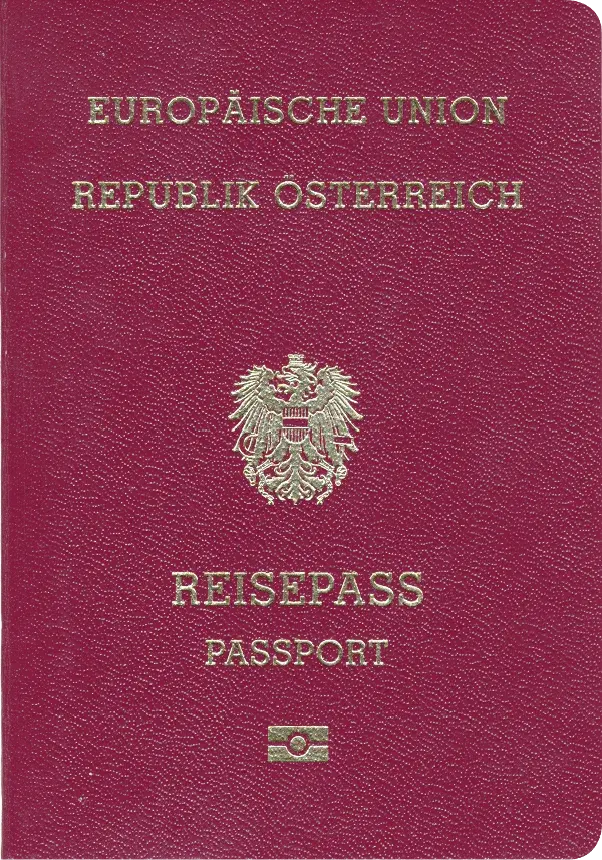
Austria Passport 35x45 mm (3.5x4.5 cm)
- 35 × 45 mm
- In color
- 76.7%
Austria
Choose the document and available processing option. Cloud task photos are automatically deleted after 7 days unpaid or 30 days paid, and you can initiate deletion earlier. Review the privacy policy before uploading.
Create a correctly sized passport, visa, or ID photo in three steps. Your browser checks the photo first, then you choose free local generation or professional processing.
Step 1 of 3
Tell us which official photo specification you need.
Choose the document and available local or cloud workflow. Review the result and save the needed files. Cloud task photos follow the 7-day unpaid and 30-day paid deletion policy, with earlier deletion available.
Take a selfie and upload it to our online tool.
Your portrait is prepared as an ID photo using the selected document settings.
Review the result and available download options.
Get high-quality photos in digital or printable format.
For users in the United States: The U.S. Department of State prohibits digital alterations of ID photographs. Our platform provides sizing and cropping services only and does not modify or enhance images.

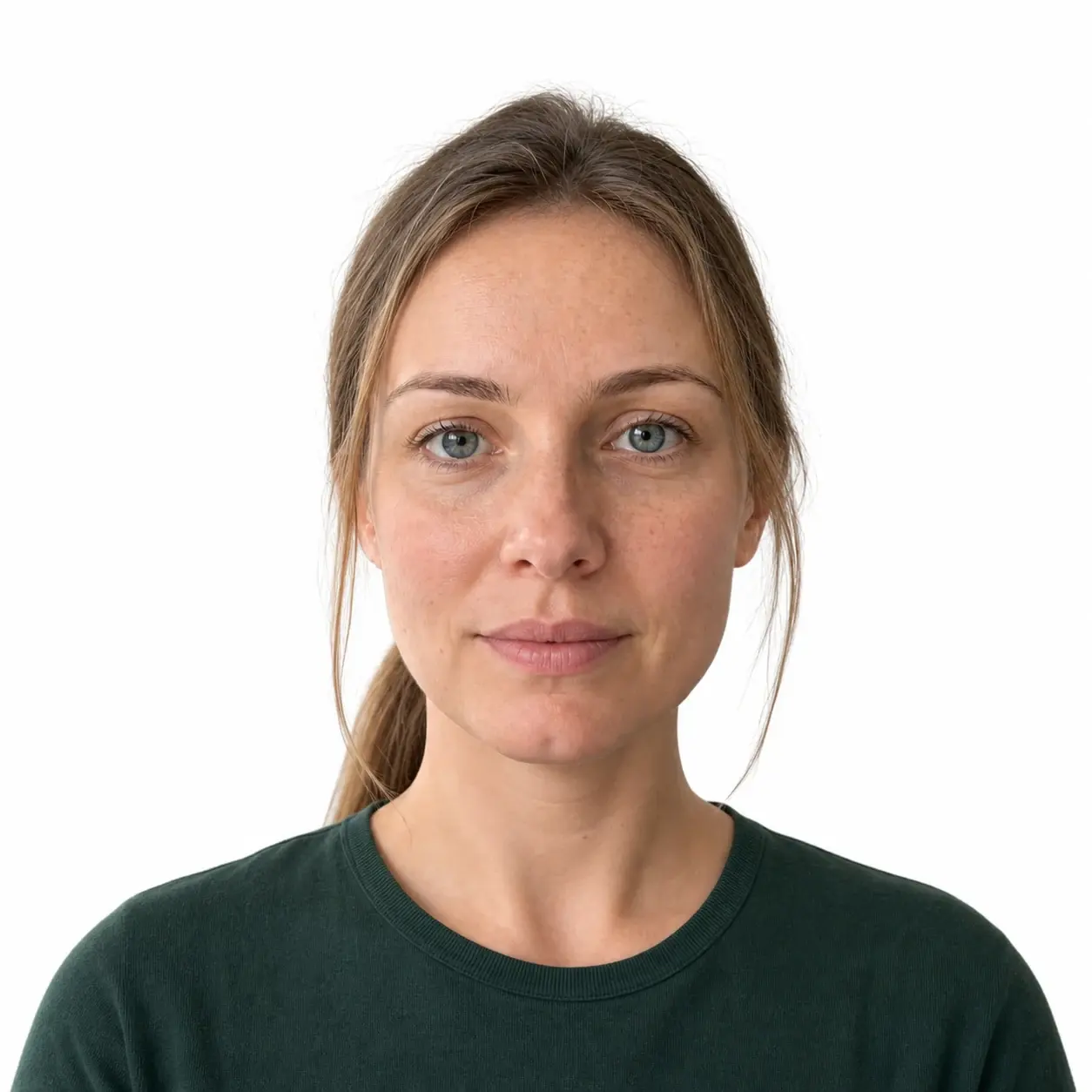
Automated checks help you review the selected document specification; they are not an official approval. Cloud task photos are automatically deleted after 7 days unpaid or 30 days paid, and you can initiate deletion earlier. Downloading does not trigger deletion. Confirm the issuing authority’s current instructions before submitting.
International ID photo standards share a common foundation, but head size, background color and resolution vary by country. Browse official sizes and key parameters below. Click yours to find out more.
Austria
Official requirements
Official requirements
Official requirements
Official requirements
Official requirements
Algeria
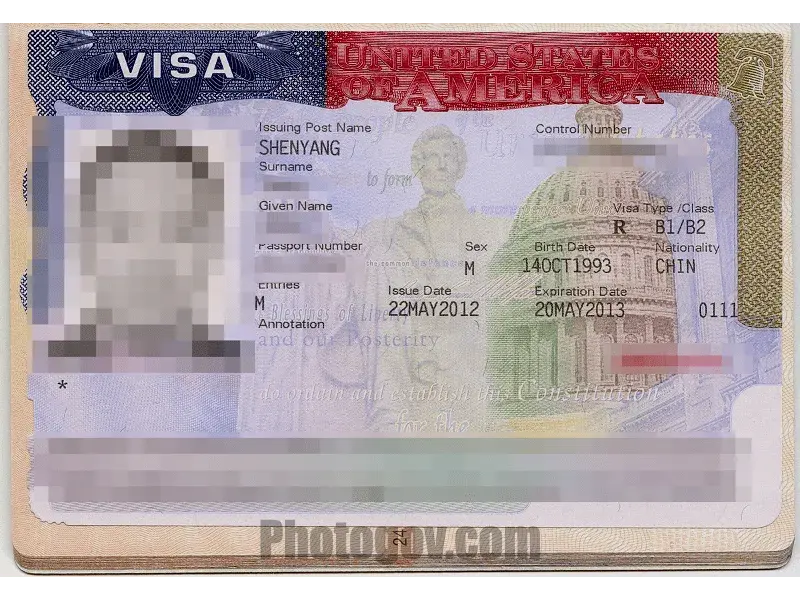
Official requirements
IDPIC is an independent photo-preparation tool. Local export uses the selected preset’s dimensions and a centered crop without stretching. Face checks are estimates, not government certification: compare the result with your original and the exact application rules before submitting.

Size, head proportion, and background rules are matched to the selected country and document.
Framing, sharpness, lighting, and facial visibility are reviewed before you download.
Unpaid task photos are automatically deleted after 7 days and paid task photos after 30 days. You may initiate deletion earlier; downloading is not the deletion trigger.
Check the source and verification information where provided. A catalog entry without a verified source is a preparation reference, not a fresh official confirmation.
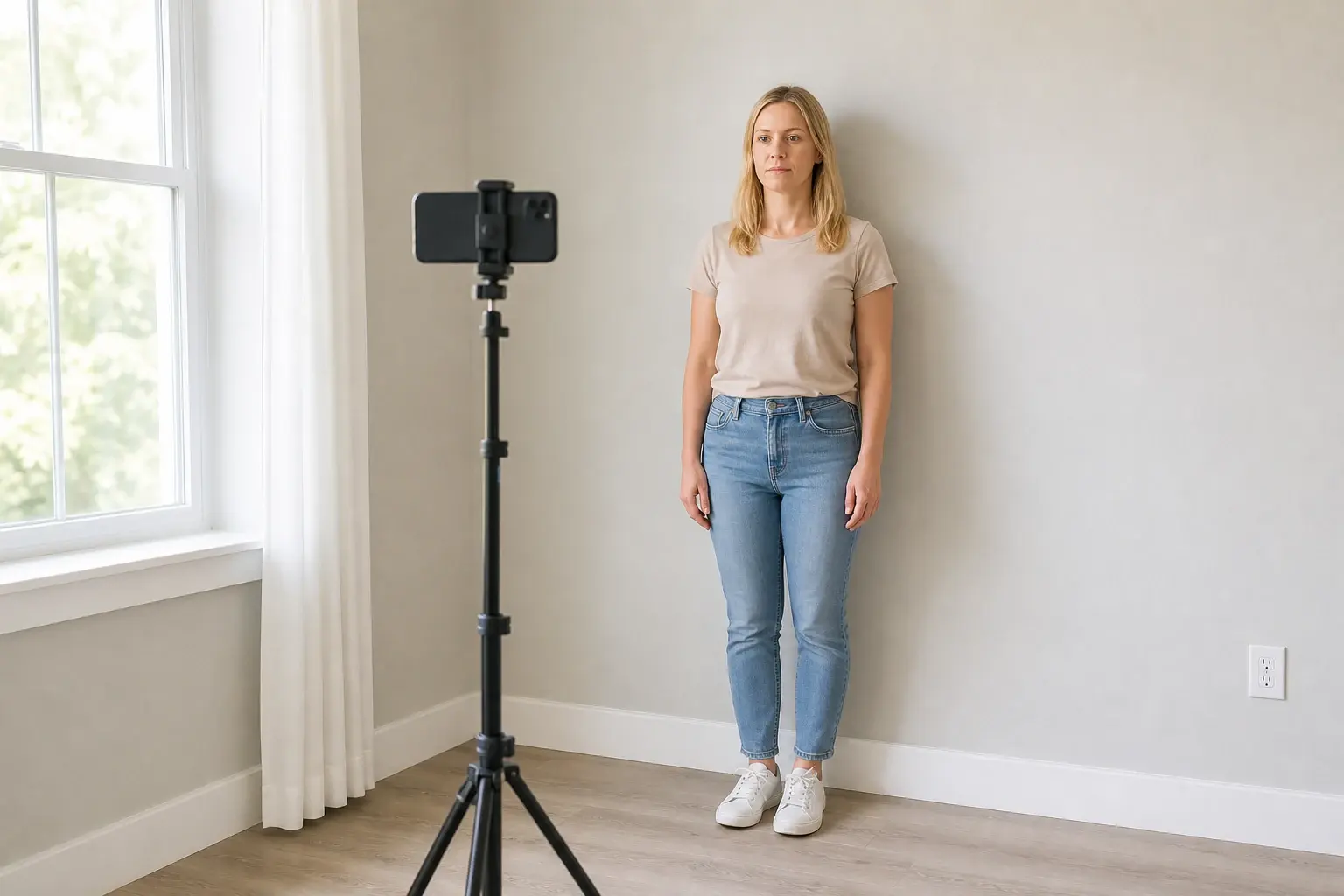
Skip the photo shop. These practical tips help you take a compliant ID or visa photo with your iPhone or digital camera — right at home or in the office.
Stand in front of a plain white or light-colored wall and remove decorations or clutter from the frame.
Face a window or stand slightly angled toward it. Avoid overhead light, backlight, and shadows across the face.
Hold the phone level and stand about 1.5 meters away to reduce wide-angle distortion.
Face the camera, keep both eyes open and the mouth closed, and move hair away from the facial outline.

Studio visits with a newborn are stressful. Lay your baby on a light surface at home and let IDPIC handle the crop and background while keeping the workflow private:
Rules for closed eyes, an open mouth, and other infant exceptions vary by country. Check the exact requirements for the selected document before submitting.
IDPIC explains document requirements, preparation checks and data choices together. Cloud photos follow the 7-day unpaid and 30-day paid policy, and users can initiate earlier deletion. Final photo acceptance remains with the issuing authority.
Document guides prioritize published size, background, and capture requirements from issuing authorities.
Photo specifications are shown for the selected country, document type, and application channel.
IDPIC checks image size, crop, head position, and background against the selected specification.
Cloud processing uses encrypted connections and access-controlled files. The service and necessary processors still handle the image to provide the selected workflow.
Unpaid photos: 7 days. Paid photos: 30 days. You may initiate deletion earlier. The privacy policy distinguishes portrait files from order and payment records.
IDPIC helps prepare document photos, while the issuing authority makes the final acceptance decision.
photo retention
encrypted transport
multilingual guidance
A passport photo maker is an online tool that prepares a portrait for a selected document specification; it does not create or issue an identity document. IDPIC adjusts the crop and output dimensions, checks head position, and prepares the required background. Review the result against your original likeness and the current official instructions before submitting it, because the issuing authority makes the final acceptance decision.
Document requirements can change. Check the issuing authority's current instructions before submitting your photo.
For U.S. applications, follow the U.S. Department of State rules on digital alterations.
Uploaded photos use encrypted transport and controlled access. See the privacy policy for retention and processing details.